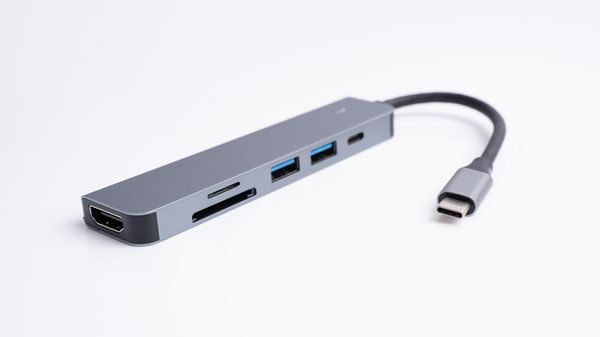
A computer is full of busses -- highways that take information and power from one place to another. For example, when you plug an MP3 player or digital camera into your computer, you're probably using a universal serial bus (USB) port. Your USB port is good at carrying the data and electricity required for small electronic devices that do things like create and store pictures and music files. But that bus isn't big enough to support a whole computer, a server or lots of devices simultaneously.
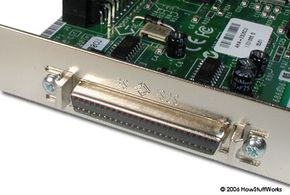
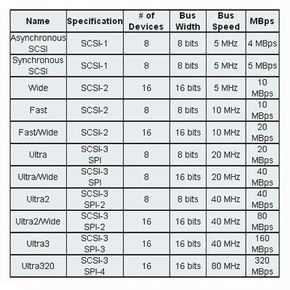
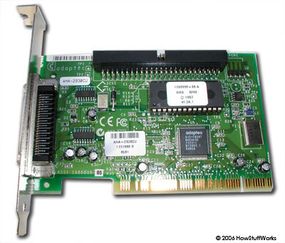
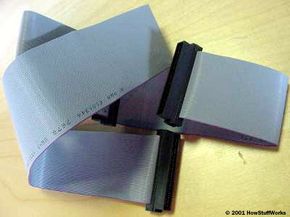
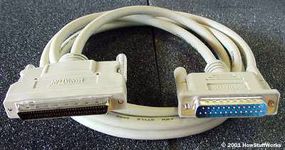
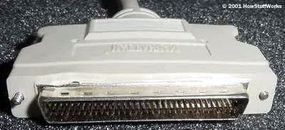
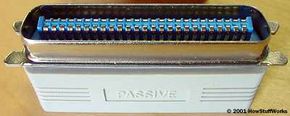
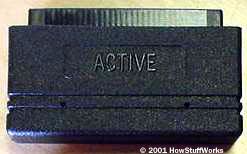
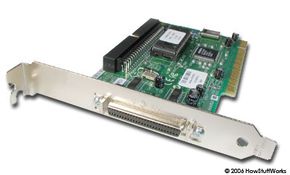
For that, you'd need something more like SCSI. SCSI originally stood for Small Computer System Interface, but it's really outgrown the "small" designation. It's a fast bus that can connect lots of devices to a computer at the same time, including hard drives, scanners, CD-ROM/RW drives, printers and tape drives. Other technologies, like serial-ATA (SATA), have largely replaced it in new systems, but SCSI is still in use. This article will review SCSI basics and give you lots of information on SCSI types and specifications.
Advertisement