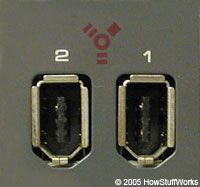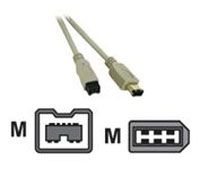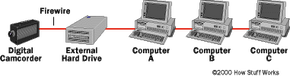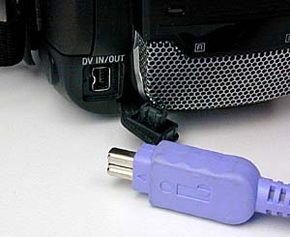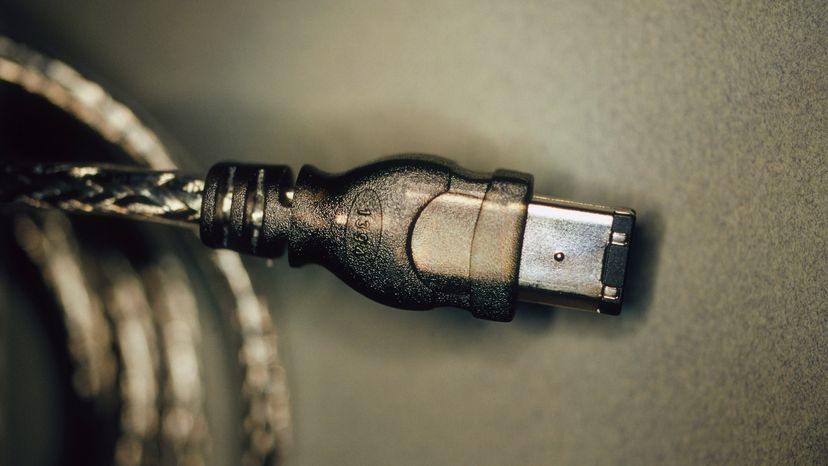
You have probably heard the term FireWire if you have any interest in digital video -- or maybe you know it as Sony i.Link or as IEEE 1394, the offical name for the standard. FireWire is a way to connect different pieces of equipment so they can easily and quickly share information.
Originally created by Apple and standardized in 1995 as the specification IEEE 1394 High Performance Serial Bus, FireWire is very similar to Universal Serial Bus (USB). The designers of FireWire had several particular goals in mind when they created the standard:
Advertisement
- Fast transfer of data
- Ability to put lots of devices on the bus
- Ease of use
- Hot-pluggable ability
- Provision of power through the cable
- Plug-and-play performance
- Low cabling cost
- Low implementation cost
In this article, you will learn exactly what FireWire is, how it works and why you might want to use it.
Advertisement