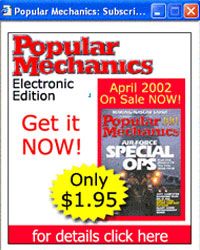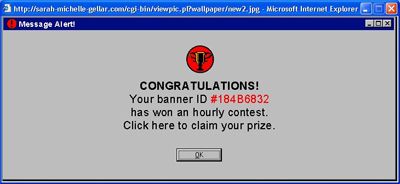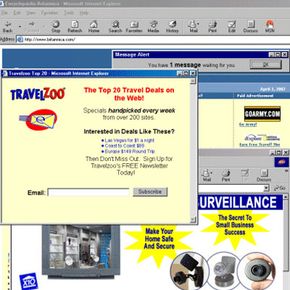
It's happened to almost all of us at some point in our Web surfing experience -- you're visiting a new site when all of a sudden your screen begins to fill with boxes advertising goods and services from every corner of the Internet. Marketing firms claim that pop-up ads get more clicks than static advertising banners, though that could be due to user error rather than user intent. In other words, someone trying to close a pop-up ad might accidentally click on the ad link, giving the advertiser a false positive.
Advertisement
Some pop-up ads contain extensive animations or sound elements that can be distracting to surfers or even make it impossible to navigate through a Web page. Sometimes a user might prompt three more windows to open just as he manages to close the first one. Even worse, some pop-ups contain malicious code like spyware or computer viruses.
Most pop-up ads are Javascript applications that open a new browser window containing new content. The new window appears on top of your current view, obscuring the Web page you actually want to see. Because the ads are so intrusive, Internet users have consistently voted them the most annoying form of online advertisement in surveys.
Enter the pop-up blocker. The earliest pop-up blockers appeared on the Internet scene in the mid '90s. The then-most popular blocker was PopUp Killer, created by Xavier Flix. Today, pop-up blockers come packaged in most Web browsers, and dozens of commercial and free programs also keep your browsing window clutter-free.
In this article, we'll look at what a pop-up blocker does, the different kinds of blockers you can use to reduce pop-ups and the potential issues you might encounter when you've activated a pop-up blocker.
Advertisement