7 Most Secure Browser Options for Privacy-Minded Individuals

By: Grant Virellan  | 
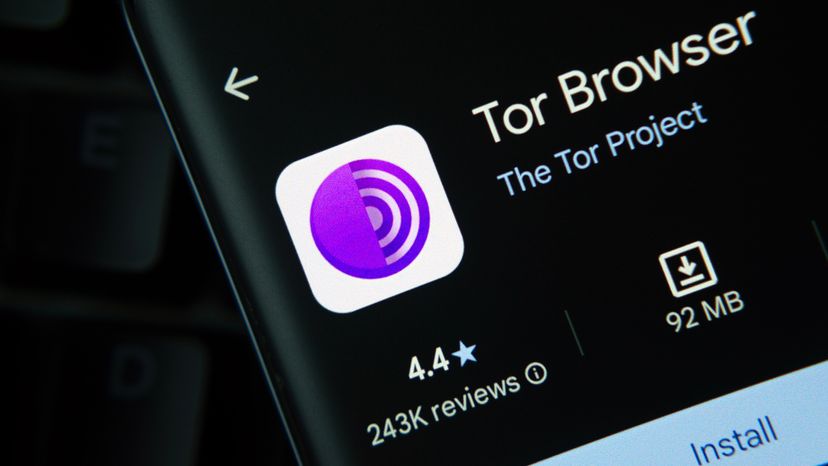
Tor has an exceptional reputation, and for good reason. Bangla press / Shutterstock

Staying safe online starts with choosing the most secure browser. Whether you're looking to avoid web tracking, block malicious ads or shield your sensitive data, a secure browser is your first line of defense. Modern web browsers differ widely in their security features, so here’s a rundown of the top contenders.

Advertisement

1. Tor Browser

Built for anonymity, the Tor browser routes your web traffic through a decentralized network, making it nearly impossible to trace your activity.

It blocks third-party cookies and protects your IP address, but it does not disable scripts by default (script blocking must be enabled via Tor Browser’s security settings).

Advertisement

Though it’s slower, it’s ideal for accessing the dark web and maintaining strict privacy.

3. Brave Browser

The Brave browser is a rising star among privacy-focused browsers. It blocks third-party ads, cross-site tracking, and even malicious downloads.

You can use Brave Search (its private search engine) and set it as your default search engine. It also includes HTTPS Only mode, private window mode, and automatic ad blocking.

Advertisement

4. Mozilla Firefox

The Firefox browser offers robust privacy features, including tracking protection, password manager integration, and the ability to toggle deleting browsing history on exit. It’s open-source, receives frequent security updates and lets you install extensions to enhance security settings.

Firefox also helps protect users from malicious sites with built-in warnings.

Advertisement

5. Epic Privacy Browser

Based on Chromium, Epic Privacy Browser strips away Google's tracking. It blocks web trackers, disables third party data storage, and removes auto-sync features.

Epic includes a built-in encrypted proxy that, when enabled, routes your web traffic through a server to mask your IP address and location.

Advertisement

6. DuckDuckGo Browser

Known for its privacy focused search engine, DuckDuckGo now offers a browser that enforces strict privacy practices. It blocks tracking scripts, malicious ads, and lets you wipe browsing data with one click. It’s a good pick for Apple users seeking simplicity and security.

Advertisement

7. Google Chrome

The Chrome browser is still the default browser for many windows users, but it ranks lower on this list due to data collection policies. It includes solid security practices like sandboxing and regular patches, but falls short in privacy features unless heavily customized.

We created this article in conjunction with AI technology, then made sure it was fact-checked and edited by a HowStuffWorks editor.

Advertisement

Advertisement

Loading...