USB 2.0
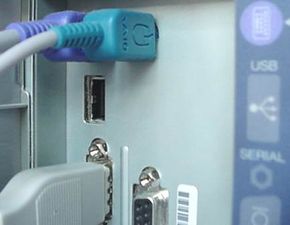
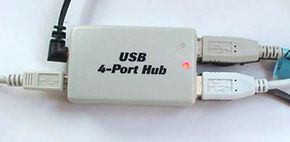
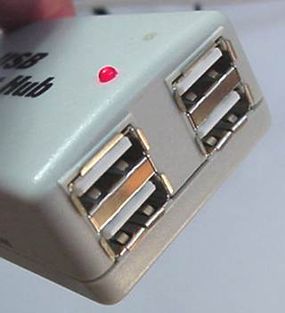
The standard for USB version 2.0 came out in April 2000 and served as an upgrade for USB 1.1.
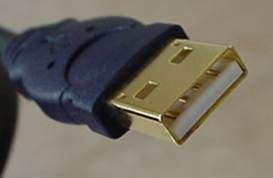
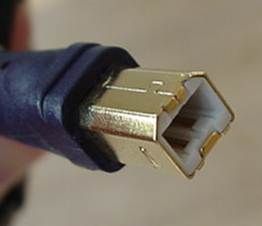
USB 2.0 provided additional bandwidth for multimedia and storage applications and has a data transmission speed 40 times faster than USB 1.1. To allow a smooth transition for both consumers and manufacturers, USB 2.0 had full forward and backward compatibility with original USB devices and works with cables and connectors made for original USB.
Supporting three speed modes (1.5, 12 and 480 megabits per second), USB 2.0 supports low-bandwidth devices such as keyboards and mice, as well as high-bandwidth ones like high-resolution webcams, scanners, printers and high-capacity storage systems.
The deployment of USB 2.0 allowed PC industry leaders to forge ahead with the development of PC peripherals to complement existing high-performance PCs.
In addition to improving functionality and encouraging innovation, USB 2.0 increases the productivity of user applications and allows the user to run multiple PC applications at once or several high-performance peripherals simultaneously.
USB 3.0
The USB 3.0 standard became official on Nov. 17, 2008 [source: Everything USB]. USB 3.0 boasts speeds 10 times faster than USB 2.0 at 4.8 gigabits per second.
It was meant for applications such as transferring high-definition video footage or backing up an entire hard drive to an external drive. As hard drive capacity grew, the need for a high-speed data transfer method also increased.
USB-C
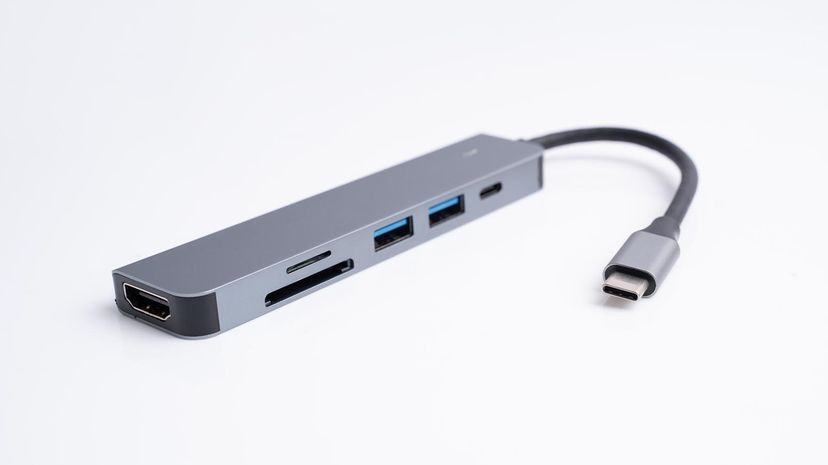
The USB-C technology, introduced as the new standard in 2014, revolutionized connectivity with its versatile and high-performance capabilities. USB-C offers a significant upgrade over USB 3.0, with data transfer speeds of up to 10 gigabits per second, more than doubling the speed of its predecessor.
This advancement supports the growing demand for rapid data transfer, making it ideal for tasks like transferring ultra-high-definition video or large data files swiftly.
The reversible design of USB-C cables and the USB-C port simplifies connections and enhances user convenience, while its support for various protocols — including power delivery — enables faster charging and greater functionality across a wide range of devices, from smartphones to laptops and beyond.
We updated this article in conjunction with AI technology, then made sure it was fact-checked and edited by a HowStuffWorks editor.