Most of us have been using one online mapping program or another for years now. They're a godsend for those of us who get lost within a 3-mile radius of our homes, and they're just plain fun for people who enjoy figuring out where stuff is.
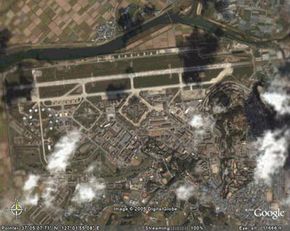
With this in mind, imagine how amazing Google Earth must be for it to elicit awe from the online community and cause South Korea to demand changes to the program.
Advertisement
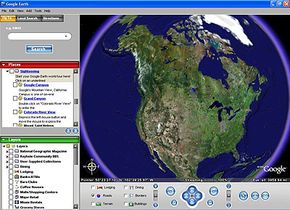
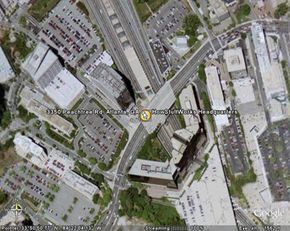
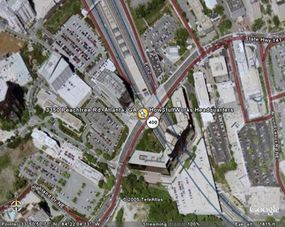
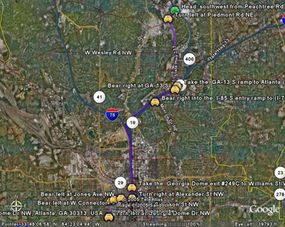
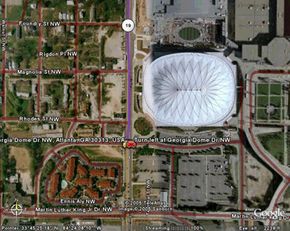
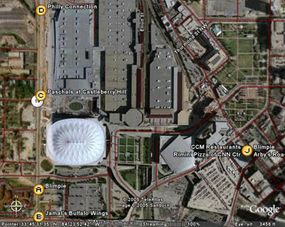
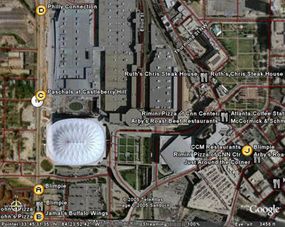
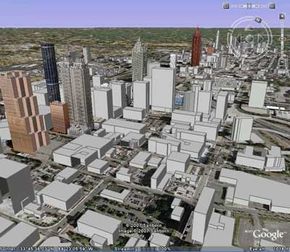
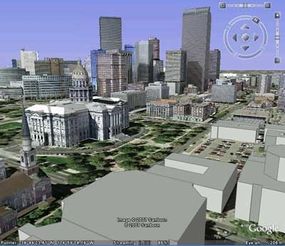
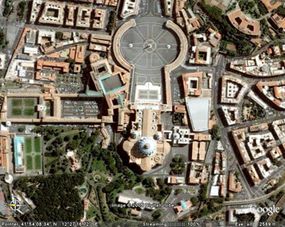
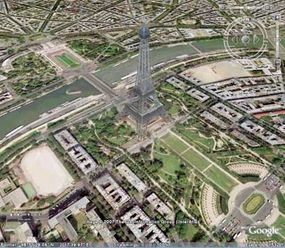
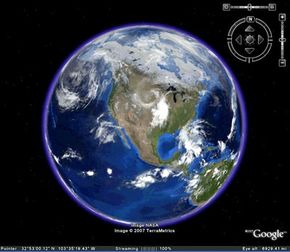
Google Earth is no ordinary mapping application. Type "Denver, CO" into the Google Earth search box, and yes, you can learn where Denver, Colo. is in relation to Grand Junction, Colo. and how to get from your address to 1600 Curtis St. in downtown Denver. In the same search, though, you can also learn that 1600 Curtis St. is in the 80202 zip code and that there are 12 Starbucks Coffee shops within a half-mile radius of that address; you can zoom out from 1600 Curtis St. and watch it disappear into a satellite view of the Earth and then zoom back in as if you were falling onto 1600 Curtis St. from space; and if you click on "Forbidden City" in the "Sightseeing" column, you can see what it would look like to fly Superman-style from 1600 Curtis St. in Denver to the Forbidden Palace in Beijing, China.
And you thought the world was small before.
The application is fairly easy to use, but there are a lot of functions to try out. See how Google Earth gets images and data and learn how you can get started with Google Earth so you can explore some of the features and customization options.
Advertisement