
Memory and Other Features
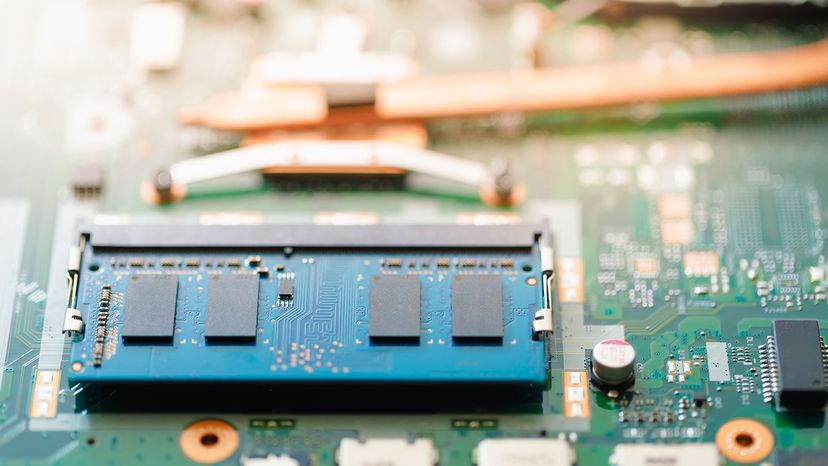
We've established that the speed of the processor itself controls how quickly a computer works. The speed of the chipset and buses controls how quickly it can communicate with other parts of the computer. The speed of the RAM connection directly controls how fast the computer can access instructions and data, and therefore has a big effect on system performance. A fast processor with slow RAM is going nowhere.
The amount of memory available also controls how much data the computer can have readily available. RAM makes up the bulk of a computer's memory. The general rule of thumb is the more RAM the computer has, the better.
Advertisement
Much of the memory available today is dual data rate (DDR) memory. This means that the memory can transmit data twice per cycle instead of once, which makes the memory faster. Also, most motherboards have space for multiple memory chips, and on newer motherboards, they often connect to the northbridge via a dual bus instead of a single bus. This further reduces the amount of time it takes for the processor to get information from the memory.
In the earliest days of motherboards, virtually everything other than the processor came on a card that plugged into the board. Now, motherboards feature a variety of onboard accessories such as LAN support, video, sound support and RAID controllers.
Motherboards with all the bells and whistles are convenient and simple to install. There are motherboards that have everything you need to create a complete computer — all you do is plug the motherboard in a case and add a hard disk and a power supply. You have a completely operational computer on a single board.
For many average users, these built-in features provide ample support for video and sound. For avid gamers and people who do high-intensity graphic or computer-aided design (CAD) work, however, separate video cards provide much better performance.