The Internet hosts a wealth of information that no single person could possibly tackle in a lifetime. It would take an army to dig through the mounds of news reports and whittle the field to a manageable size, and then another army to pick and chose from that field the bits of information the average Web-savvy Joe might find interesting. And then another army to report back on whether the average Web-savvy Joe actually does find it interesting. Welcome to Digg.com, a user-driven news Web site that brings together hundreds of thousands of people to do the work of finding, submitting, reviewing and featuring news stories drawn from every corner of the Web.
Digg is sort of like Slashdot without the editors, bringing a democratic approach to the news-submission Web site. At Digg, the site's users make all of the content-related decisions. For the most part, the approach seems to be working very well. Kevin Rose, once an on-air personality for TechTV, co-founded Digg in December 2004 (with the help of Jay Adelson, former Digg CEO, and Owen Byrne). Rose spent $1,000 developing and launching Digg.com, relying heavily on open-source software. Six months later, the site had about 25,000 registered users. After a year, Digg had 80,000 registered users and 500,000 unique visitors per day. In March 2007, Digg hit the 1,000,000 registered user landmark. By 2008, some bloggers estimated Digg's user base at more than 2,700,000 unique accounts.
Advertisement
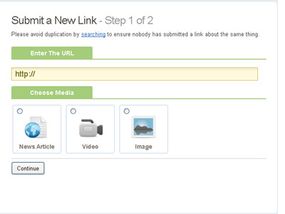
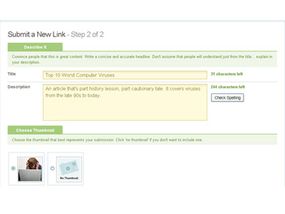
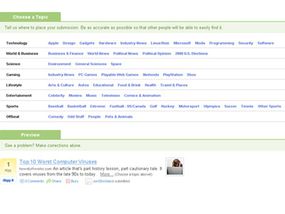
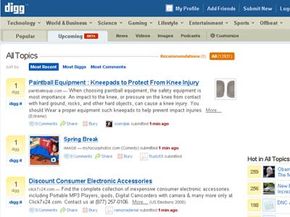
The huge Digg community is made up of users who play different, often overlapping roles. There are submitters who post news stories that they find in blogs, professional news sites and random postings around the Web. These stories land in the Digg queue. There are casual reviewers who look for interesting stuff in the queue and "Digg it" -- meaning they click a button to let Digg.com know they think it's cool. Once an article gets enough Diggs (and meets a bunch of other secret requirements), it's promoted to the homepage. There are truly dedicated reviewers who spend hours every day combing the queue to actively promote good stories and report bad stories (which will eventually get removed with enough reports against them). These people really drive what ends up on the homepage and therefore what gets thousands and thousands of people clicking through to read the story, sometimes crashing unsuspecting Web servers. Small Web sites and home servers can get crippled when 400 visitors a day suddenly turns into 5,000 in two hours. Even at HowStuffWorks, where our servers can handle the traffic, we can easily tell when we've been Dugg. When our stats show an increase over normal traffic of thousands of clicks per hour to a single article, we check the news-compilation frontrunners -- Slashdot, Fark, Yahoo! Buzz and Digg -- to see who's got it.
And finally there are the Digg readers, who make up the majority of Digg users and reap the benefits of the willing Digg army that promotes the best stories to front page. In return, the readers keep Digg in ad revenue and give the submitters and the Diggers something to do.
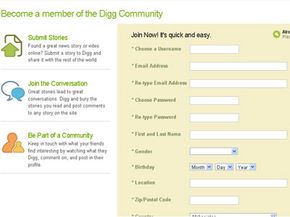
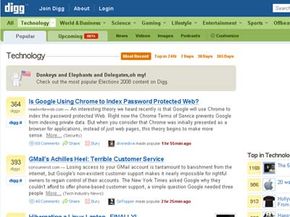
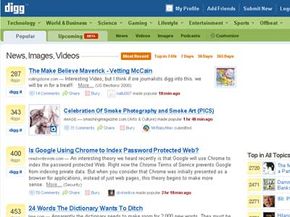
While some might call the premise revolutionary, the basic functions of the Web site itself are pretty simple and intuitive. It's easy to get started using Digg. When you go to the Digg.com homepage, you're already looking at the moment's most popular stories. They've been Dugg by enough users to get promoted to the homepage.
In the next section, we'll take a look at the Digg layout and registration process.
Advertisement