The word computer refers to an object that can accept some input and produce some output. In fact, the human brain itself is a sophisticated computer, and scientists are learning more about how it works with each passing year. Our most common use of the word computer, though, is to describe an electronic device containing a microprocessor.
A microprocessor is a small electronic device that can process data in the blink of an eye. You can find microprocessors in many devices you use each day, such as cars, refrigerators and televisions. The most recognized device with a microprocessor is the personal computer, or PC. In fact, the concept of a computer has become nearly synonymous with the term PC.
Advertisement
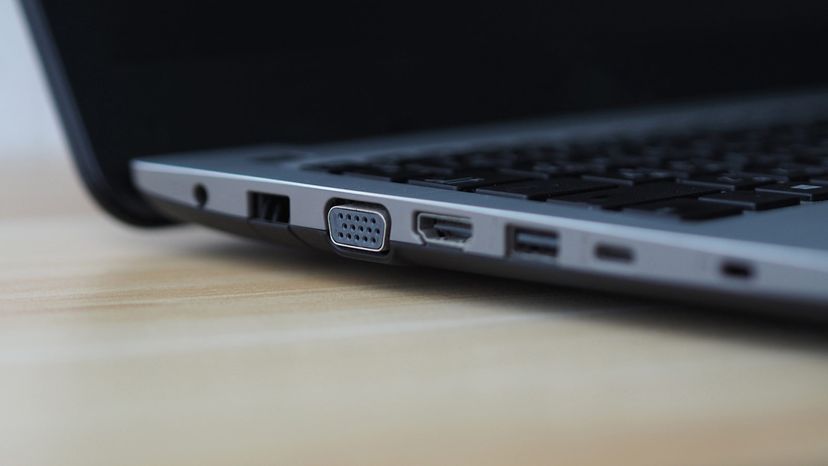
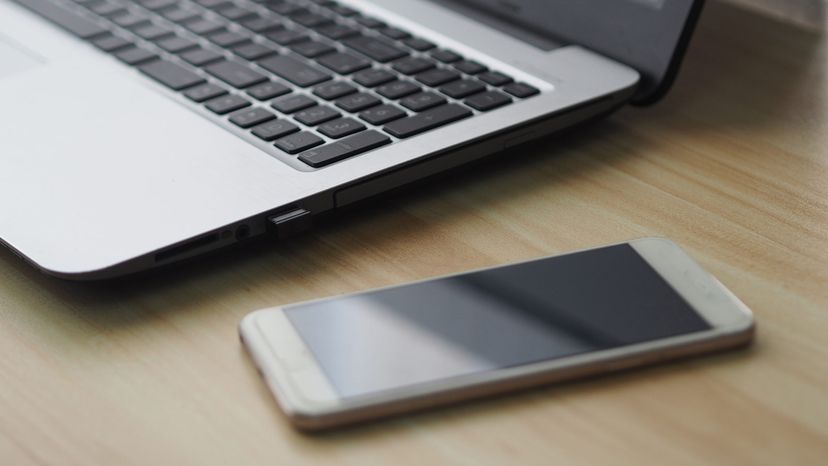
When you hear about a PC, you probably envision an enclosed device with an attached video screen, keyboard and some type of a pointing device, like a mouse or touchpad. You might also envision different forms of personal computers, such as desktop computers, towers, laptops and handhelds. The term PC has been associated with certain brands, such as Intel processors or Microsoft operating systems. In this article, though, we define a PC as a more general computing device with these characteristics:
- designed for use by one person at a time
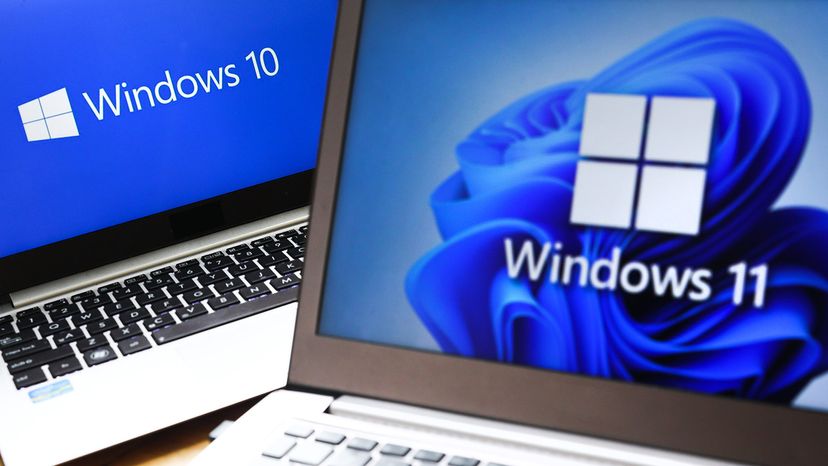
- runs an operating system to interface between the user and the microprocessor
- has certain common internal components described in this article, like a CPU and RAM
- runs software applications designed for specific work or play activities
- allows for adding and removing hardware or software as needed
Initially, computers were huge, taking up large rooms with attached terminals allowing access by multiple users. In the 1970s, a man named Ed Roberts began to sell computer kits based on a microprocessor chip designed by Intel. Roberts called his computer the Altair 8800 and sold the unassembled kits for $395. Popular Electronics ran a story about the kit in its January 1975 issue, and to the surprise of just about everyone, the kits became an instant hit. Thus, the era of the personal computer began [source: Lasar].
While the Altair 8800 was the first personal computer, it was the release of the Apple II a couple of years later that signaled the start of the PC as a sought-after home appliance. The Apple II, from inventors Steve Jobs and Steve Wozniak, proved that there was a demand for computers in homes and schools. Soon after, long-established computer companies like IBM and Texas Instruments jumped into the PC market, and new brands like Commodore and Atari jumped into the game.
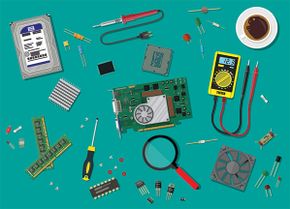
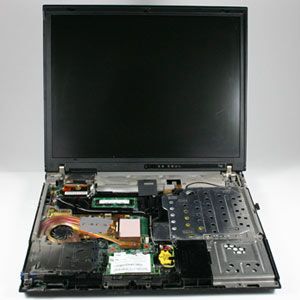
In this article, we'll look inside the PC to find out about its parts and what they do. We'll also check out the basic software used to boot and run a PC. Then, we'll cover mobile PCs and examine the future for PC technology.
Advertisement