
Computer Peripherals
Peripherals are pieces of hardware that you add to your computer. In the Computer Peripherals Channel, find explanations, reviews, videos and prices on these parts, plus how they communicate with your computer.
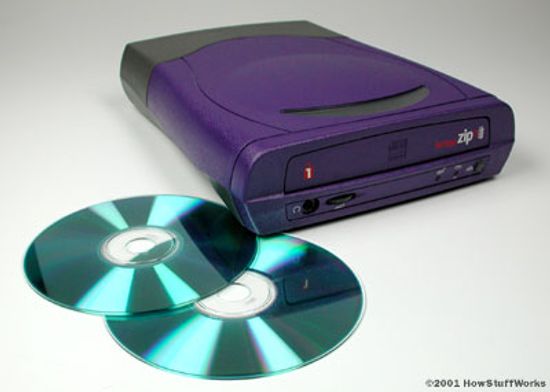
How CD Burners Work

Why can I play some DVD movies but not others on my computer DVD-ROM?
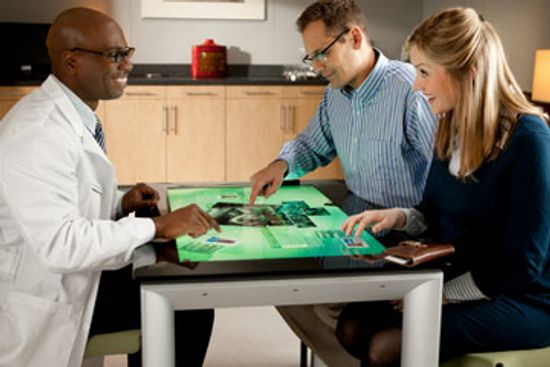
How Microsoft Surface Tabletop Works
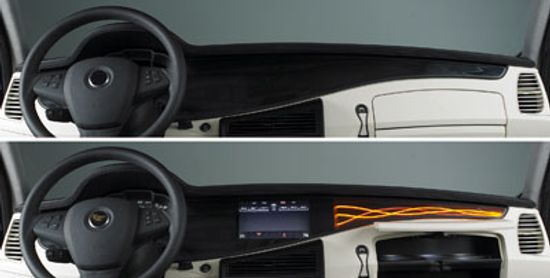
How Transmissive Film Works

How do touch-screen monitors know where you're touching?

Which Computer Keyboard Keys Wear Out the Fastest?
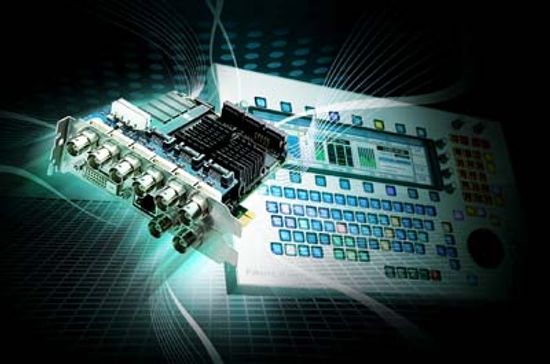
How the Xynergi Keyboard Works
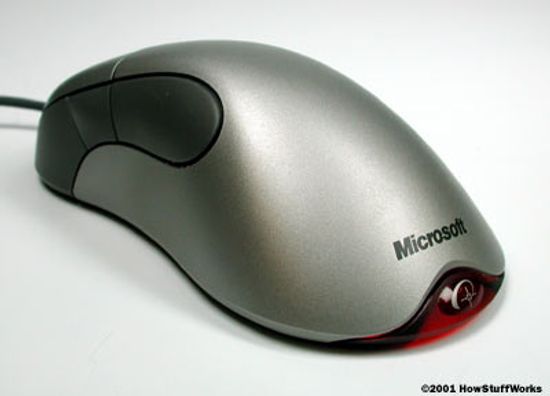
How Does an Optical Mouse Work?

How 3-D PC Glasses Work
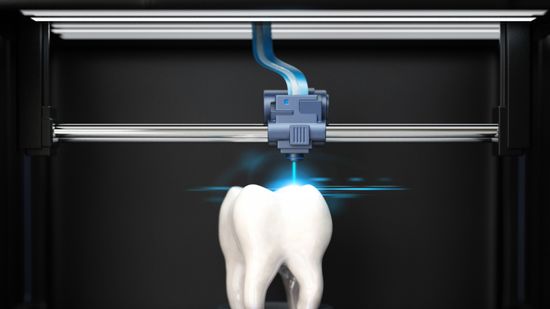
How Stereolithography Works: A 3D Printing Process
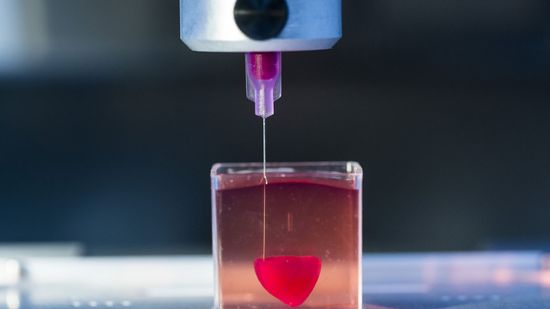
How Does a 3D Printer Work?
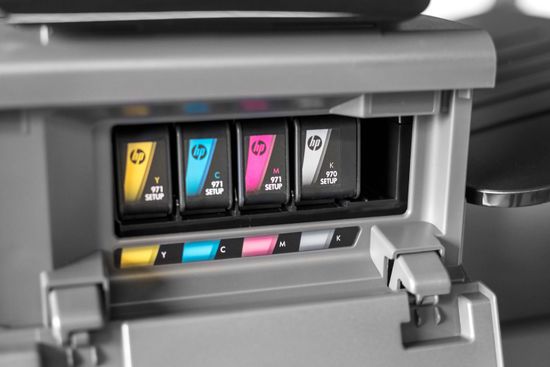
How Printer Ink Works
How Wireless Technology Changed Printing

How to Connect AirPods to a Laptop (Windows and Mac)

How to Connect AirPods to a PC
How to Move Pictures From a Memory Card to a PC or Laptop
Learn More
Modern PCs and Macs use built-in Bluetooth to easily connect to your phone's AirPods. We'll show you how.
By Talon Homer & Desiree Bowie
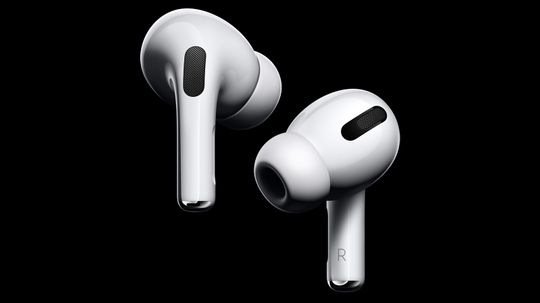
Are you a fan of AirPods but still have to work on a PC? No problem. We'll tell you how to connect the two in just a few steps.
By Jeremy Glass
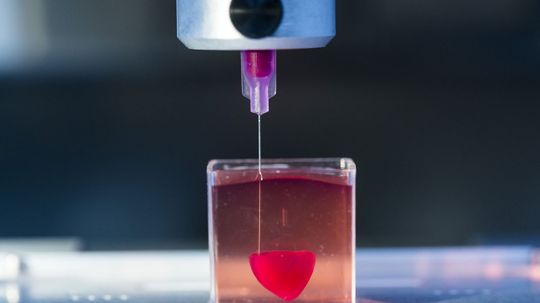
3D printing has made it possible to print out almost anything - including homes, medical devices, clothing, and even a human heart! But how does a 3D printer work, and what are the drawbacks?
Advertisement

As casual computer users shift to touchscreens, wear patterns on computer keyboards have evolved, affecting suppliers of replacement letters.
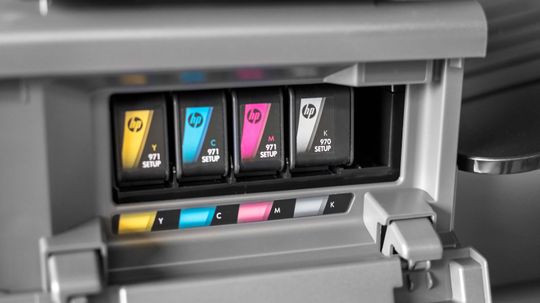
Printer ink is such a common part of your everyday life that you might not have stopped to wonder about how the printer knows what to put on a page or how all those nozzles deliver just the right amount of pigment.
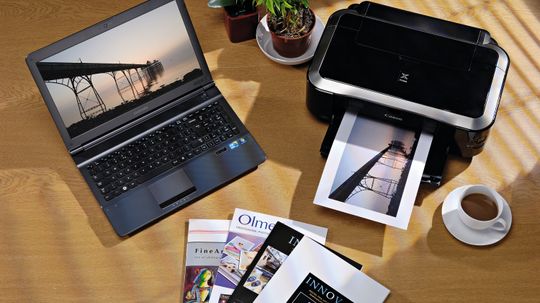
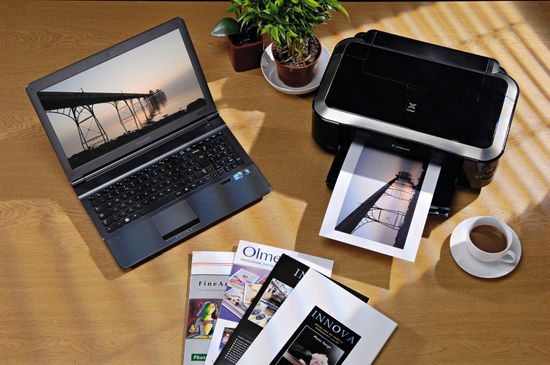
Wireless technology has freed users from a sea of cables. How has it changed printing specifically?
It used to be that every home and office needed a printer. Now that's not such a necessity, but are we really ready to give up printing?
Advertisement
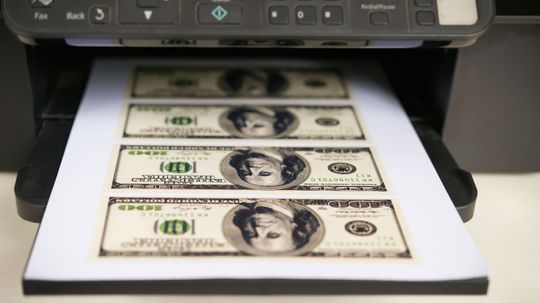
Printing documents is costly, to the point that the expense sometimes might override your desire for hard copies. But there are a few tricks that will help you keep printing without breaking the bank.
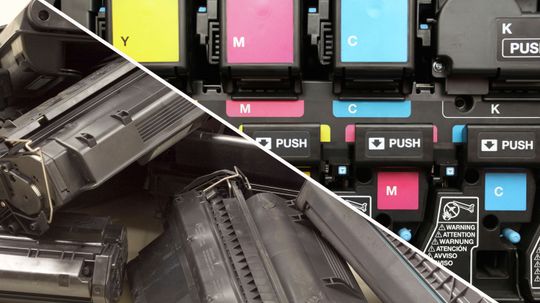
OK, you know both go into (and come out of) printers, but do you know what the separate characteristics of ink and toner are?
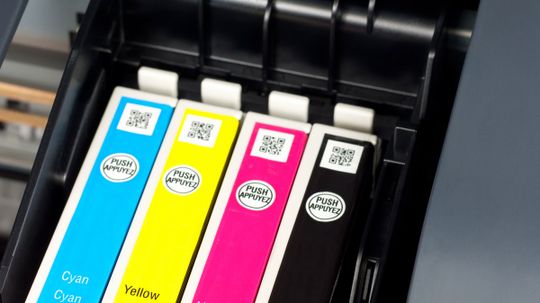
Ink is costly, so you want to know you're getting your money's worth. Your computer will tell you when you need to replace your ink cartridges, but how does it calculate usage, and how accurate is it?
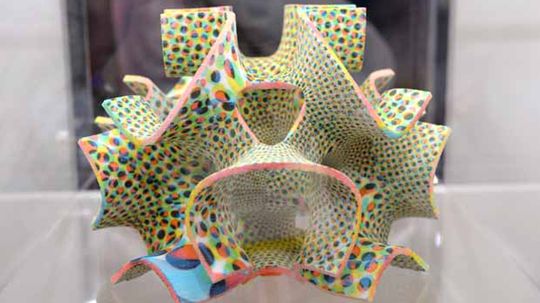
You might think of 3-D printing as a way to make plastic models and parts, but people are embracing the technology for fashion, food, housing and a host of other things.
Advertisement

You want to set up wireless printing on a Dell, but you're not sure how to do it. Learn about how to set up wireless printing on a Dell in this article.

Did you ever want to know how to use a DVD burner? Learn how to use a DVD burner in this article.
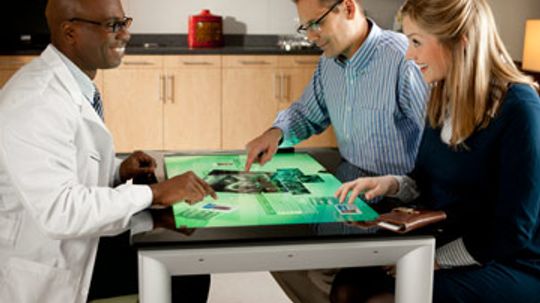
The future is now. Microsoft Surface tabletop allows multiple users to share and manipulate information on a tabletop computing interface. See how it works.
It's worthwhile knowing how to fix a printer driver error. Learn about how to fix a printer driver error in this article.
Advertisement
Knowing how to choose the right inkjet photo paper will make your pictures even more brilliant. Learn about how to choose the right inkjet photo paper in this article.
If you know how to print a CD/DVD label, you can give your disc a professional quality look with a professional looking label. Learn about how to print a CD/DVD label in this article.
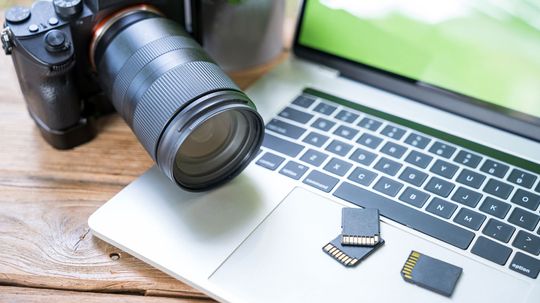
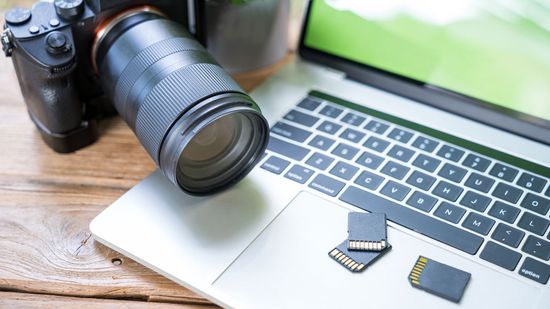
Memory card storage is a handy way to transfer images and video from a phone or camera to your main computer. Here's how to use it.
By Talon Homer
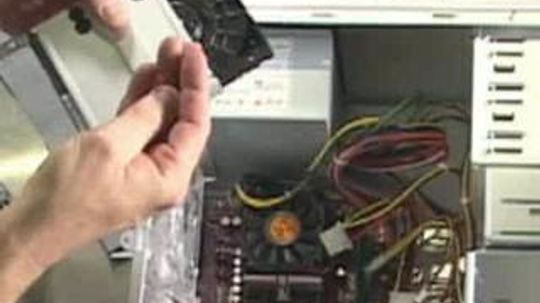
You'd like to learn how to have your home computer network, which uses Windows 7, share a single printer. This article will show you how to share a computer on a home network in Windows 7.
Advertisement
When you know how to clean your scanner, and clean it regularly, you will ensure its longevity and high performance. Learn about how to clean a scanner in this article.
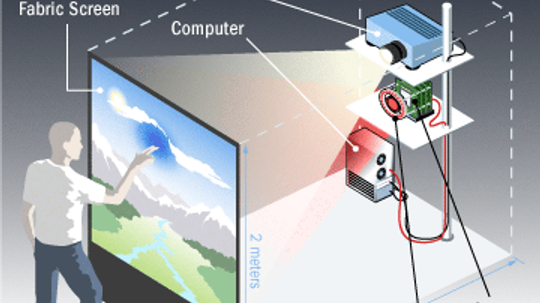
Computers are growing increasingly sophisticated, but in most cases, we interact with them with the same tools we've been using for decades. Can engineers come up with better ways to interface with machines?
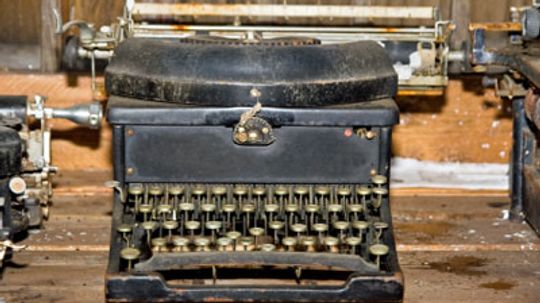
Wireless technology has helped get rid of that tangled mass of cables underneath your desk. Wireless printers can help you take the next step toward becoming completely unwired.
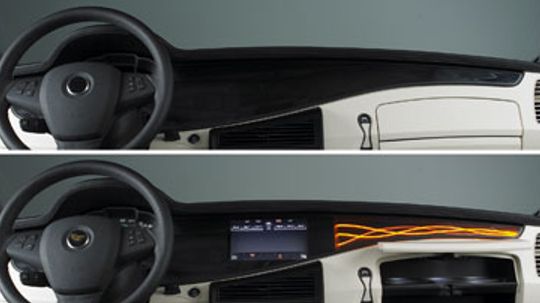
Transmissive film can make a LCDs display brighter and easier to read. Or it can keep others from reading your screen. See how it works.
By Dave Roos
Advertisement
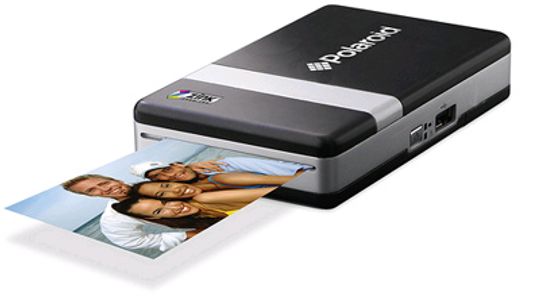
A printer that fits in your pocket? Won't ink drip out of it and stain your clothes? Not with this ink-free portable device. Snap a photo with your digital camera or cell phone and print it instantly.
By Jane McGrath
Inkless printing? It doesn't seem possible. But one company's prototype inkless printer can print as well as erase documents. That means paper can be reused. How green is that?
By Jane McGrath