
Computer Hardware
From USB connectors to motherboards, the HowStuffWorks Computer Hardware Channel will help you find explanations, reviews, videos and prices for the parts you need.
Why Is My Computer So Slow? 5 Reasons and How to Fix Them
Should You Shut Down Your Computer Every Night?
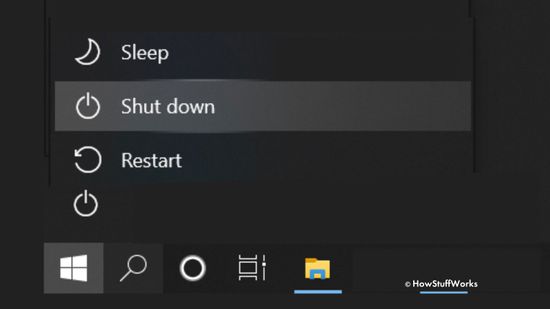
What's the Difference Between Restarting and Shutting Down My Computer?
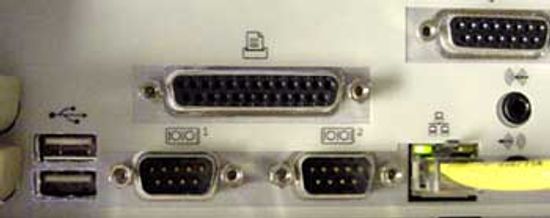
How Parallel Ports Work
PCI Express Image Gallery

What is the main difference between FireWire and USB?
How to Overclock Your CPU
Is Moore's Law outdated?
What is computing power?
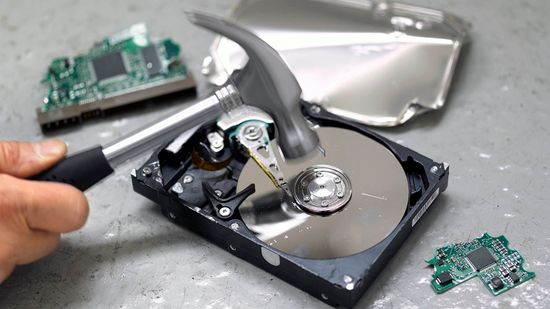
How to Wipe a Computer's Hard Drive
How to Fix the Black Screen of Death
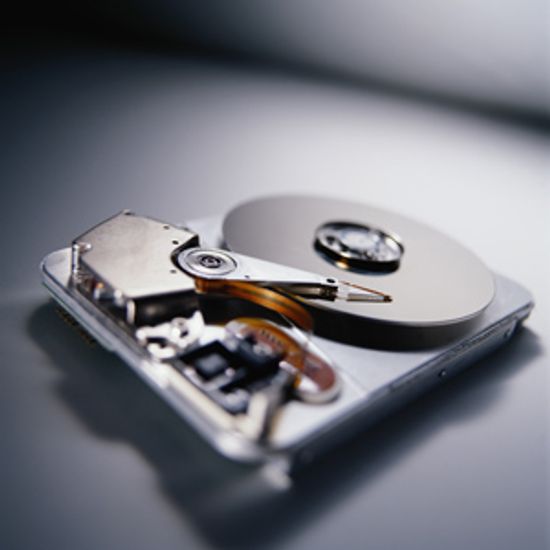
Should I move my hard disk to the cloud?
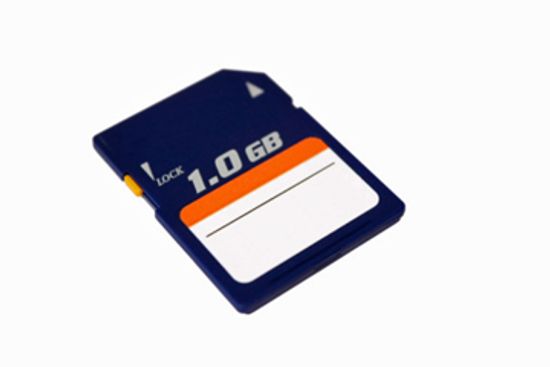
How Secure Digital Memory Cards Work
Computer Memory Pictures
What is virtual memory?

What are the three types of VPN?
What do you need to build a private WiFi network?
What Does a Server Do?
What Is a UPS? How an Uninterruptible Power Supply Works
How to Cool Down Laptop: 5 Easy Ways to Prevent Overheating
How To Know When Your Computer's CMOS Battery Is Dead
What is the world's fastest supercomputer used for?
Set Your Computer for Energy Savings
Is the desktop computer going the way of the dodo bird?

How to Force Quit on a Mac

Steve Jobs: Life in Pictures
Are Macs more expensive than comparable PCs?
How the Kindle Paperwhite Works

How the Kindle Fire Works

Nook vs. Kindle Fire
Learn More
By asking, "how many data centers does google have," you're really asking how the internet stays on.
It's a foundational element of device integrity, but you wouldn't be the first person to beg the question, "What is a UPS?"
The parallel port is still an obsolete way to connect a printer to a PC. Learn how parallel ports operate and how they came about.
By Jeff Tyson
Advertisement
Your computer is working slower than molasses, but why? We look at five of the most common reasons and how to fix them, with the help of experts.
By Dave Roos
In an earlier time, people routinely shut down their computers at night, and some folks still do. But is this necessary?
By Muriel Vega
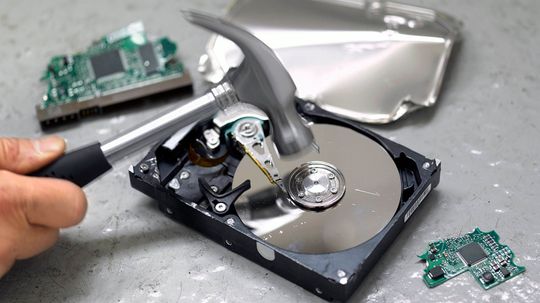
Before you sell or give away an old computer, you need to wipe the files from the hard drive. But deleting data takes more than just dragging and dropping it to the trash bin.
By Talon Homer

Advertisement
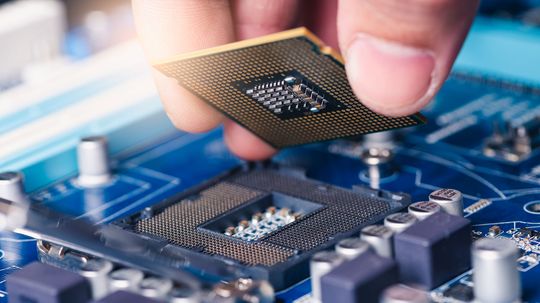
Overclocking a processor allows it to run at higher than factory speeds, but it also can lead to reliability issues if you don't do it safely. So how do you do it, and does it void your computer's warranty?
By Talon Homer
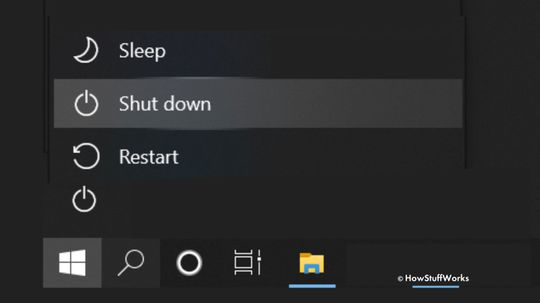
In the Windows operating system, shutdown and restart both can be used to turn off your PC. But they don't do it exactly the same way. Which one should you use and when?
You're typing along on your laptop when, all of a sudden, your computer fades to black. What's causing your black screen and how do you fix it?

The old saying goes something like this: That shiny new computer you just bought is obsolete the second you take it out of the box. Well, there might be some truth to it. Our modern electronics might actually be built to break.
By Beth Brindle
Advertisement
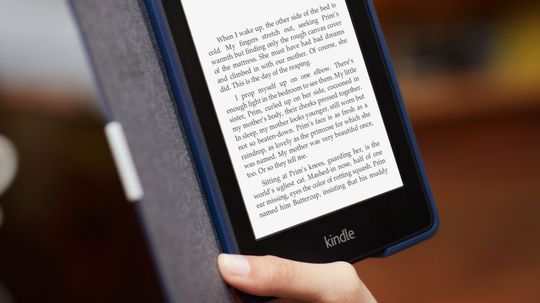
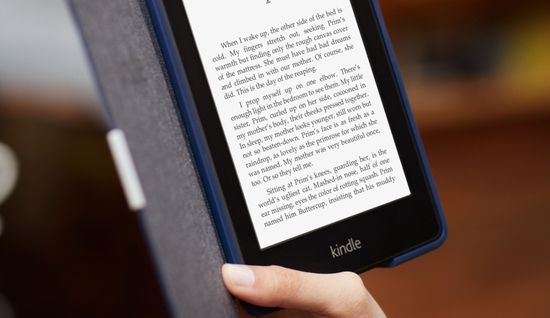
Amazon has released several Kindle models, but the Paperwhite is designed to completely change the e-reader experience. How well does it succeed, and are any challengers stepping up to the plate?

Touch-screen interfaces are everywhere -- most smartphones and tablets use them today. See interesting facts and graphics on how touch screens work.
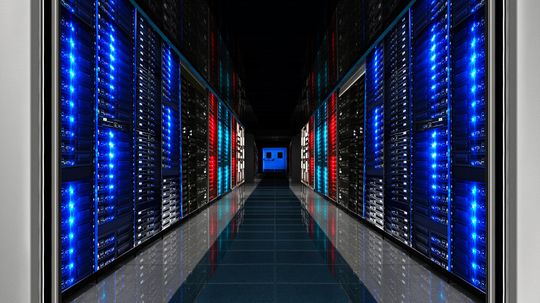
Supercomputers are capable of some serious computing, so it's not surprising that they're used for serious purposes. In 2012, a new champion claimed the top spot of fastest computer. What was it?

As manufacturers struggle to find new ways to cram transistors on computer chips, it would seem that Gordon Moore's famous prediction will one day fizzle out. Should we retire Moore's Law?
Advertisement
Cloud computing is no longer the wave of the future -- it's the wave of now! So is it time to go ahead and move the contents of your computer's hard drive online, or are some things better off staying home?
People aren't always familiar with the role drivers play in their computing experiences because this software is often updated automatically. But if you do need to update them yourself, we've got some tips for you.

Most myths have a bit of truth in them - which may be why most people believe that powering down and restarting a computer leads to wear and tear. So, what's the truth behind the myth?
By Dave Roos
There's no worse feeling than lost data as a deadline approaches, or a folder of digital photos that are lost forever and can't be replaced. With just a little daily maintenance, you can help your odds of avoiding such tragedies.
Advertisement

In the early years of home computing, buying a machine was a huge investment. Many models sank, but these 10 broke sales records and gave many of us our first glimpse at the digital world. Did your favorite computer make the cut?
Computers run our modern lives, but how many of us actually know how these everyday machines are made? We'll take a peek at the parts and processes that create the digital tools we can't live without.
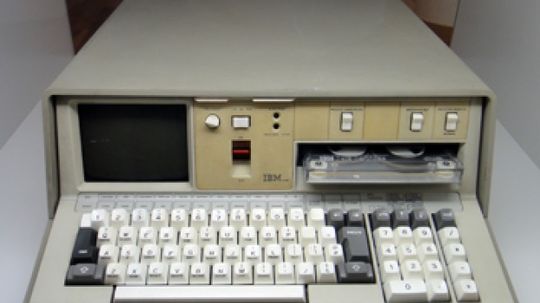
Today, sleek, lightweight mobile computing devices grace the palms and laps of many modern computer users. But back in the '70s, "portable computer" had a very different meaning.
Hard drives are getter bigger and bigger, capacity-wise. But do you really need terabytes' worth of space? We'll ponder optimal hard drive size in this article.
Advertisement
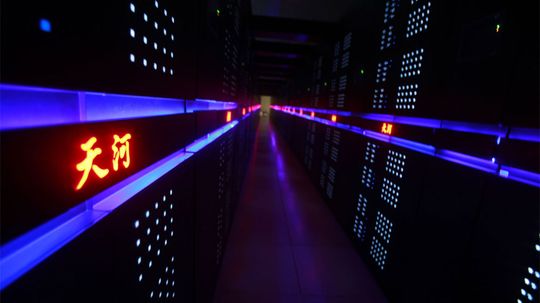
Does the name Sequoia ring a bell with you? How about Mira, or Tianhe-2? If you're not up on the latest supercomputer news, those words may mean nothing, but they're major players when it comes to petaflops.
We know your digital life is important to you - all those apps, files, photos, and music. But here's the 50-million-dollar question: Is a solid-state drive (SSD) or a hard disk drive (HDD) the right technology for the job? What is an SSD, exactly? Read on to find out!